Quickstart
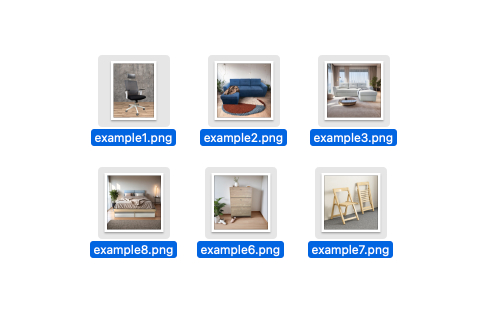
Step 1. Select Images
Choose the images you want to process.
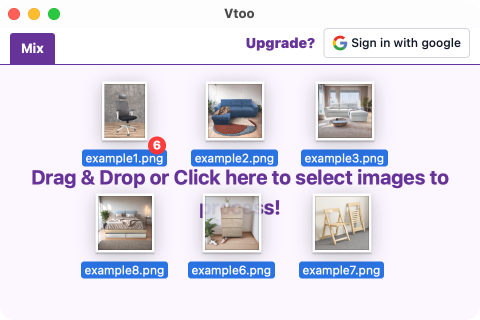
Step 2. Drag and Drop
Drag and drop the selected images into the Vtoo software interface.
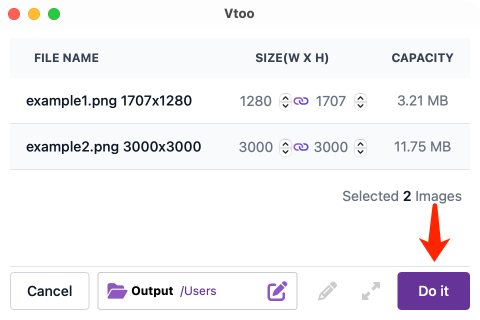
Step 3. Process
Click the "Do it" button to batch process the images.
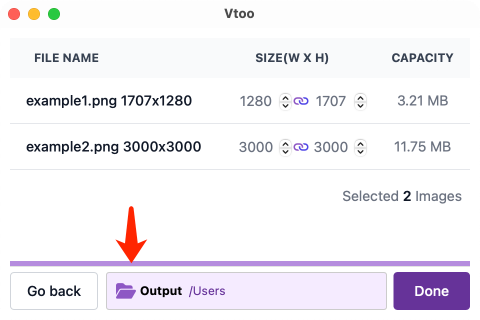
Step 4. Check Results
The processed images will be saved at this directory.